




















We use cookies 🍪
We use cookies and other similar technologies to improve your browsing experience and the functionality of our site. Learn more in our Privacy Policy.

24. Yılımızı Kutluyoruz! "Devsepet2004" Koduyla Sepette Özel İndirim!

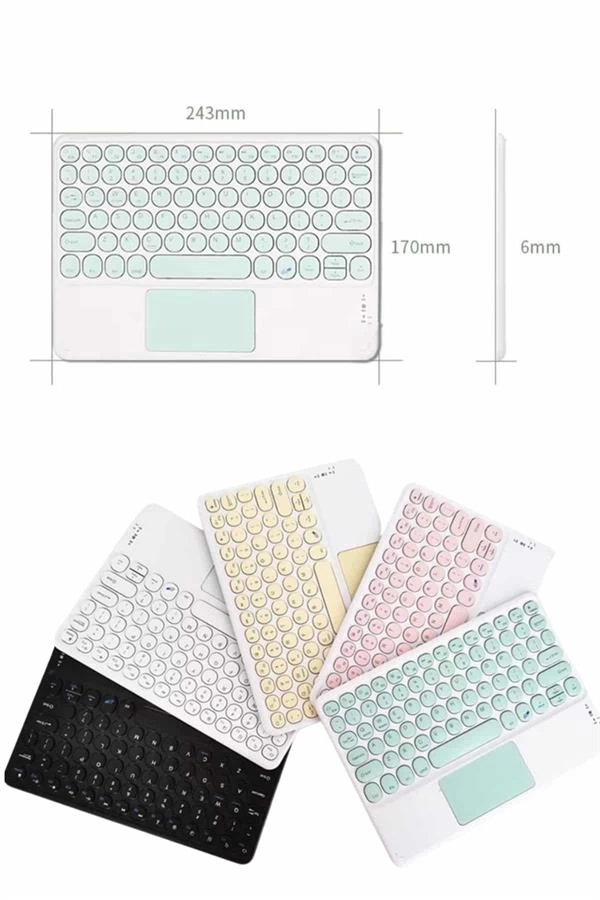
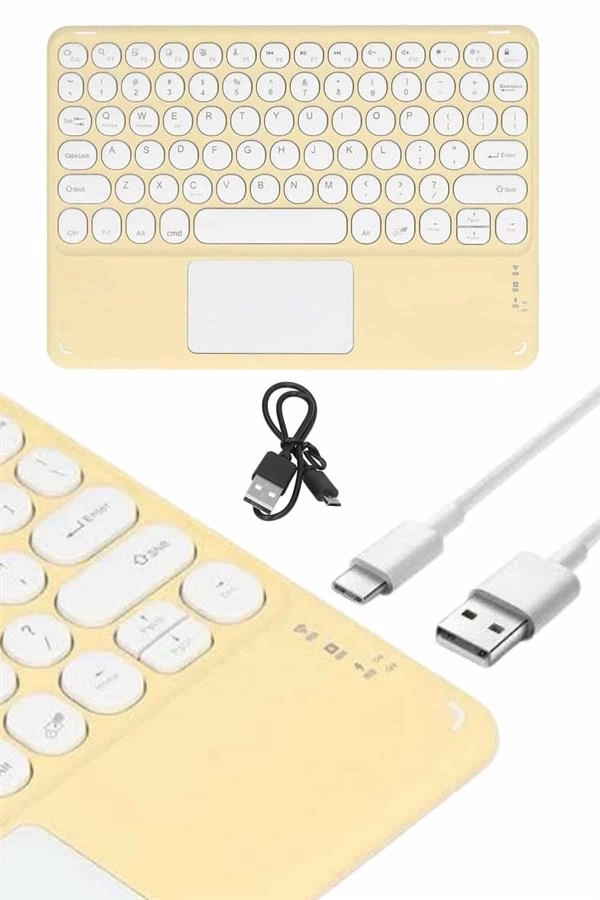
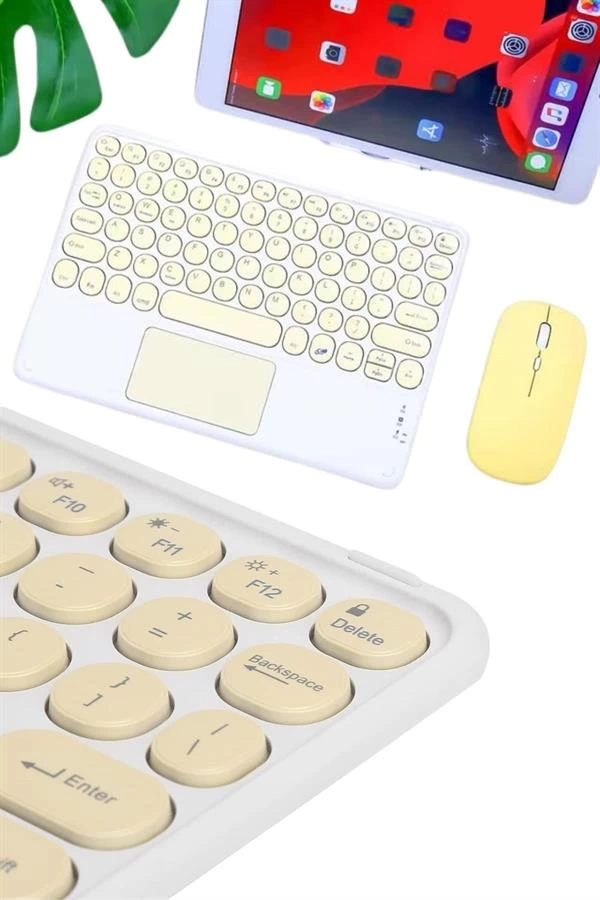
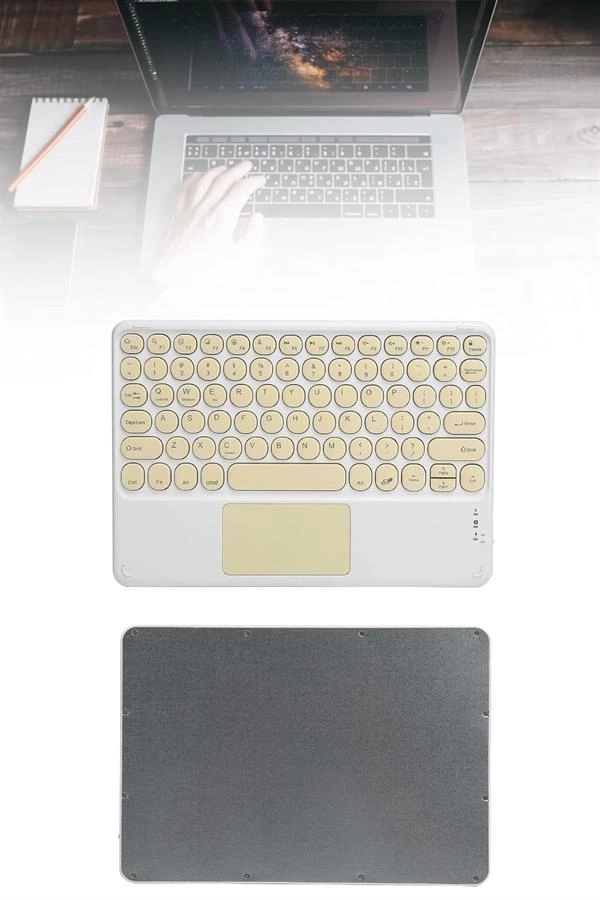
BUĞZ KABLOSUZ TOUCHPAD

BUĞZ KABLOSUZ TOUCHPAD
Kablosuz klavyenizi kolayca bağlamak için şu adımları takip edebilirsiniz:1️⃣ Cihazınızın Bluetooth ... Devamını Oku
başlangıç
883,20TL
Vergiler Hariç: 736,00TL
  • Stok: Stokta
  • Marka: BUĞZ
  • Model: EmrTDUUCZTOUCHPAD
  • Ağırlık: 2.00kg
  • EAN: BgzTDUUCZTOUCH
Oluştur unlimited custom product blocks and display them in accordions or tabs or open blocks. Each block can be assigned to all products at once or specific products according to advanced criteria.
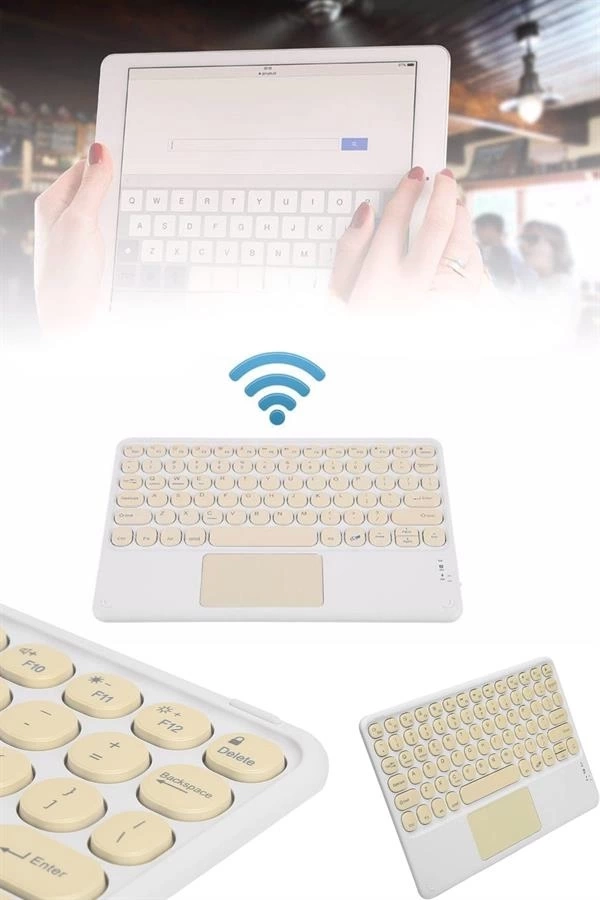
Kablosuz klavyenizi kolayca bağlamak için şu adımları takip edebilirsiniz:1️⃣ Cihazınızın Bluetooth özelliğini açın.2️⃣ Bluetooth klavyeyi ON konumuna getirin.3️⃣ Fn tuşuna basılı tutun ve C harfine (Connect) basın.4️⃣ Tablet veya telefonunuz "Bluetooth Keyboard" ismini görecektir, eşleştirmeyi tamamlayın.5️⃣ Bağlantıyı sağladıktan sonra cihazınız klavyeyi otomatik olarak tanıyacaktır.Bu basit adımlarla cihazınızı bir bilgisayar gibi kullanabilir, dokunmatik ekranın sınırlamalarından kurtularak çok daha hızlı yazı yazabilirsiniz.

Yorum Yap

Not: HTML'e dönüştürülmez!
Oylama
Kötü İyi

Ürün Sekmesinde Sayfa Oluşturucu

NEW! Since Journal 3.2, the much improved T.A.B (Tabs Accordion Bloklar) system supports the page builder inside the tab content. Sınırsız Bloklar, Tabs or Accordions with any HTML content or the builder interface (supporting custom rows/columns/modules) can be assigned to any individual product or to certain groups of products, like entire categories, brands, products with specific options, attributes, price range, etc. You can indicate any criteria via the gelişmiş product assignment mechanism and only those products matching your criteria will display the modules. Also, any module can be selectively activated per device (desktop/tablet/phone), customer login status and other criteria. Imagine the possibilities.